How to manage birthday party RSVPs (especially for kids' parties)
Parents reply for whole households, siblings tag along, and a co-host needs the list too. How to track birthday party RSVPs, get a real headcount, and handle the deadline without a spreadsheet.
To manage birthday party RSVPs, keep one list with one row per household, ask every family the same two questions (are you coming, and how many), set a deadline two or three days before you need final numbers, and follow up privately with anyone who hasn't answered. Share the list with your co-host so you're not reconciling two phones the night before.
Kids' parties add a few wrinkles: the person replying is a parent, not the guest of honor's friend, and "yes!" can mean one child or one child plus two siblings and a grandparent. Here's how to handle each.
Parent replies: ask the right questions
Most RSVP confusion comes from vague questions. "Can Ava come?" gets "yes!" back, and you still don't know whether a parent is staying or a younger brother is coming too. Ask for exactly what you need:
- Is your child coming? Yes or no.
- How many people in total? Kids and adults, so you can plan food and seats.
- Anything we should know? Allergies, pick-up arrangements, or accessibility.
An RSVP form with those three questions gets the same answers from every family. A short form also beats a long text thread when you're juggling 20 households.
Household headcount: count people, not invitations
Your guest list is a list of families. Your pizza order is a list of people. Keep both visible:
- One invitation per household. In Text My Event, select family members on the Guests page and choose Group into household. When you message everyone, each household gets one text, sent to the head of household, instead of one per person.
- A party-size question. The RSVP form asks "How many in your party?" by default. Your Headcount adds up those numbers, separately from how many families said Going.
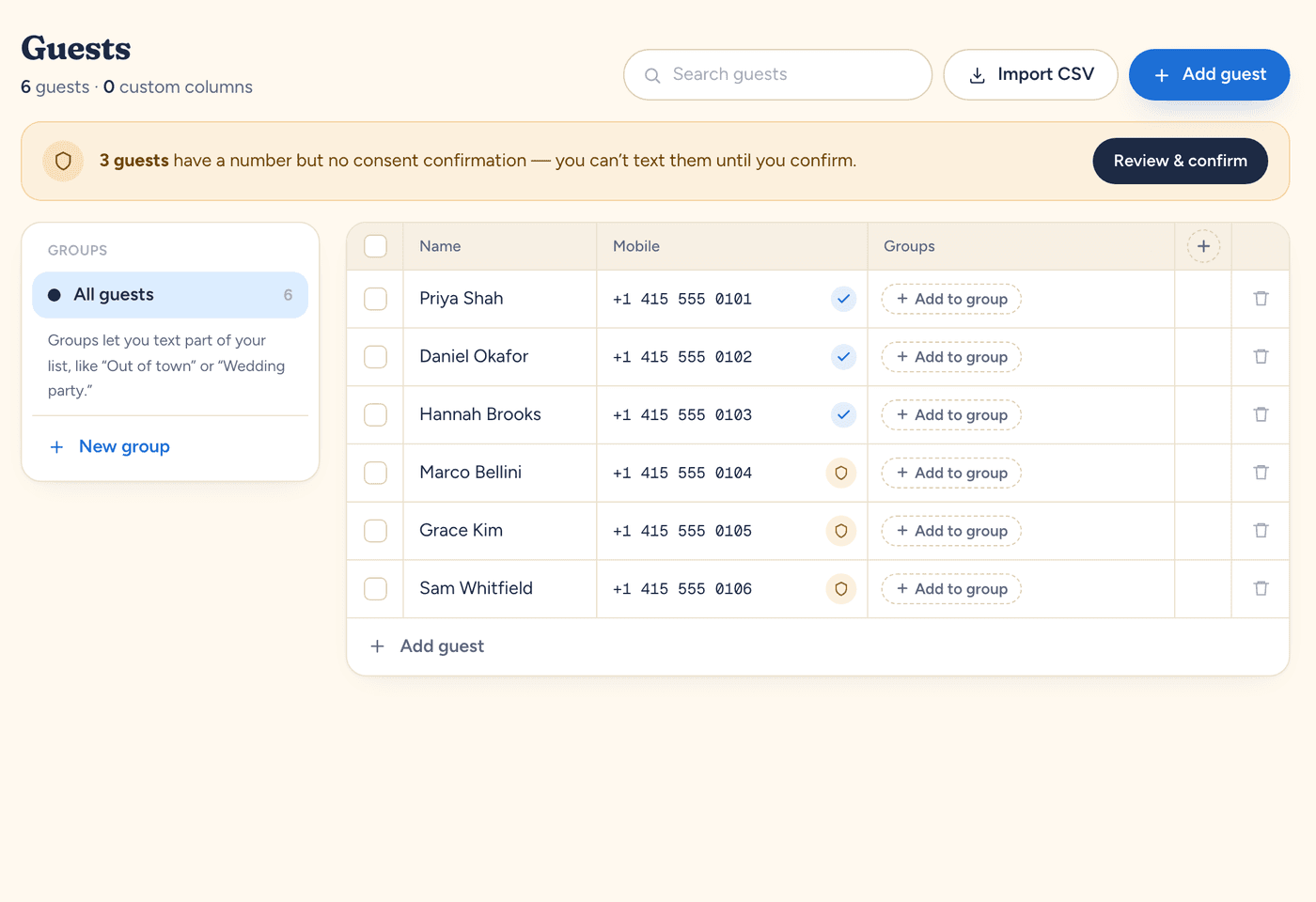
When a parent texts back "we're in, is it ok if her cousin comes?" instead of using the form, answer them in your inbox, then set their status and party size yourself in the RSVP guest list. A text reply doesn't change the headcount on its own.
Co-hosts: one list, two people
Parents often split the work: one handles the venue, the other the guest list. Two separate group chats and two phones' worth of replies is how the cake ends up short.
Add your co-parent, partner, or a helpful grandparent as a co-host. Co-hosts share the guest list, scheduled texts, and replies inbox, so either of you can answer "what time is pick-up?" and both of you see the same headcount. Only the event owner can invite or remove co-hosts.
Deadline management
- Pick the deadline from your vendor dates. If the venue or bakery needs numbers on the 8th, make the RSVP date the 5th.
- Put the date in the invitation. Next to the link, not buried in a paragraph.
- Schedule one reminder before it, about a week before the party, so busy parents don't miss it.
- Follow up privately after it. Filter the RSVP guest list to No reply, select those families, and send them a short text. Each family gets their own message, so nobody sees who else hasn't answered.
More wording, and the etiquette of chasing late RSVPs, is in how to ask for an RSVP after the deadline.
Keep the details flowing after RSVPs close
Once you have your number, a day-before text with the address, parking, and pick-up time saves you a dozen individual questions. If it's a surprise, individual texts keep the plan away from the guest of honor. Our post on running a birthday RSVP without a group chat covers that side.
A quick checklist
- One row per family, grouped into households.
- Three questions: coming, how many, anything we should know.
- A deadline a few days before your vendor dates.
- A co-host on the same list.
- One reminder before the deadline, one private follow-up after.
Run this for your next event.
Schedule your texts in minutes. Try it with 10 free texts to your own phone. No app for guests, no credit card.
Start freeWritten by the people who build Text My Event, and checked step by step against the product as it works today.