How to ask for an RSVP after the deadline (without being awkward)
Your RSVP date came and went and some guests never answered. Here's when to follow up, what to say, and how to stop chasing people forever.
Ask once, privately, within a day or two of the deadline. Keep it warm and short, give a new firm date, and make answering take one tap. Assume the guest forgot rather than ignored you, and treat the follow-up as a favor to them rather than a reprimand.
When to follow up
- One or two days after the deadline. Soon enough that your plans are still flexible, but late enough that you're not jumping the gun on people who were about to answer.
- Before anything you have to commit to. If the caterer wants final numbers on Friday, set the new date for Wednesday or Thursday so you have room for a second nudge.
- At a reasonable hour. Late morning or early evening on a weekday. Avoid texts that land at 11pm or 6am.
If the event is large or formal, you might send a gentle reminder before the deadline too, about a week out. Then the post-deadline message only goes to the few who still haven't answered.
What to say
A good follow-up does four things: it's friendly, it gives a reason, it sets a new date, and it makes answering easy.
The "we'll assume you can't make it" line is useful when you really do need to close the list, like a seated dinner or a headcount for catering. Leave it out for casual events.
For more variations with different tones, the RSVP reminder generator writes a reminder for your event type that you can edit.
Etiquette that keeps it from getting awkward
- Message people individually. Never call out non-responders in a group chat. A one-to-one text feels like a check-in, not a public list of who's late.
- Don't guilt-trip. Skip "I've asked three times." People who feel scolded are less likely to answer, and more likely to come anyway without telling you.
- Make "no" easy. Say that a "can't make it" is helpful too. You need answers, not just yeses.
- Ask once, then once more at most. After a second unanswered message, call or ask a mutual friend, or plan for a small buffer.
- Thank everyone who answers, including the late ones. You want them back next time.
Find out who hasn't answered
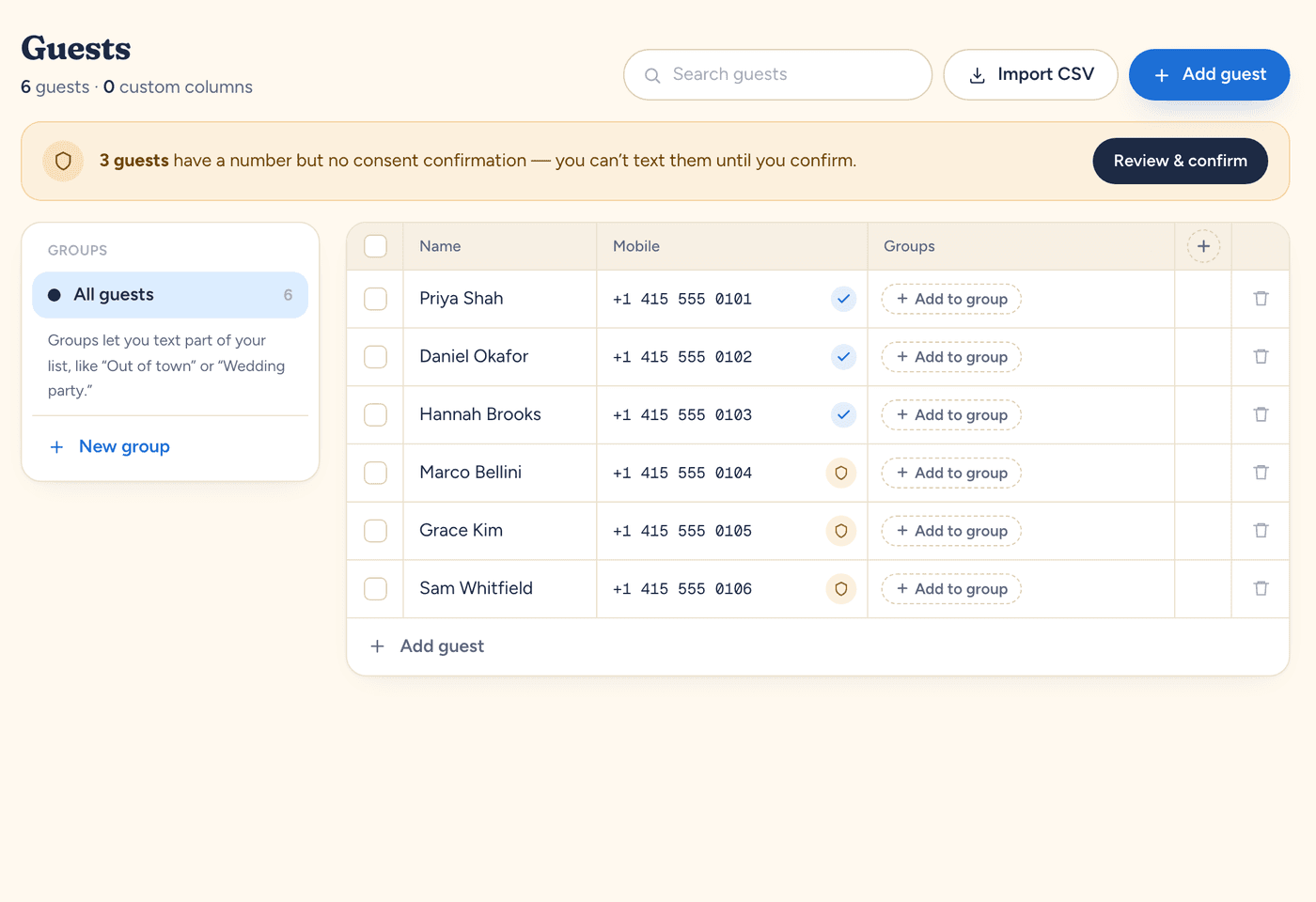
Following up is much easier when you can see exactly who's missing. In Text My Event, your RSVP form's Guests view shows Going, Headcount, No reply, and Can't make it. Filter to No reply, select those guests, and choose Send a text to message only them. Each guest gets their own text, so nobody sees who else is on the list.
Two details matter here:
- A text reply isn't an RSVP on the form. If someone texts back "yes, 3 of us," it lands in your replies inbox but doesn't change the headcount. Set their status yourself in the Guests view, or reply with the link and ask them to tap it.
- People who opted out are skipped. Anyone who replied STOP won't get the follow-up. Reach them some other way if you need to.
You can also schedule the follow-up ahead of time. Write it when you send the invitation, then schedule it for the day after the deadline. Just send it to the right people: a scheduled text goes to whoever you choose when you schedule it, so pick specific guests or a group rather than everyone.
How to stop needing this next time
- Put the date in the invitation. "RSVP by Nov 20" right next to the link.
- Make the first answer easy. A link to a short form beats "reply with your name, number of guests, and any allergies."
- Send one reminder before the deadline, about a week out, so fewer people miss it.
Need help timing the rest of your messages? See when to send event reminders.
Run this for your next event.
Schedule your texts in minutes. Try it with 10 free texts to your own phone. No app for guests, no credit card.
Start freeWritten by the people who build Text My Event, and checked step by step against the product as it works today.